IONLOOP Support

Projects

Buy and Sell

Read more →

Interact with other people, plan your trips

Read more →

Manage your instances and database

Read more →

Manage your business, team and payments

Read more →

Manage campaigns, and grow your business

Read more →

Solutions

Interact with other people

Read more →

Share questions & answers together.

Read more →

Create & Book Appointments.

Read more →

Convert cryptocurrencies.

Read more →

Code & Text Editor.

Read more →

Pay salaries or just automate your payments.

Read more →

Set timing, stopwatch or countdown.

Read more →

Build & analise your mindmap with us.

Read more →

Build & analise your events.

Read more →

Build & analise your events.

Read more →

Manual trading panel

Read more →

Build your strategy at TradingView, automatize it here.

Read more →

Be up to date with account history

Read more →

Plan out your day graph

Read more →

Write your own directional blocks for making trades

Read more →

Choose your notification service and recieve the latest updates.

Read more →

Choose your favorites and manage features much faster.

Read more →

Enjoy our analystics made from your spending

Read more →

Modern ways for account improvments

Read more →

Read important articles

Read more →

Find answers to common questions

Read more →

It's important to increase availablility

Read more →

Assign 2FA authorization to your ID

This guide is made to lead you to successful 2FA setup.

Use case

We are all mostly familiar 2FA authorization in such as systems like discord, google cloud, alibaba or in other web based systems. We understand the need of increased security, thats why we provide such a security for all of our ID holders.

Cases we will walk trought

2FA Application Installation

Assigning to IONLOOP ID

Verification Methods

Lets walk trought 2FA Application Installation

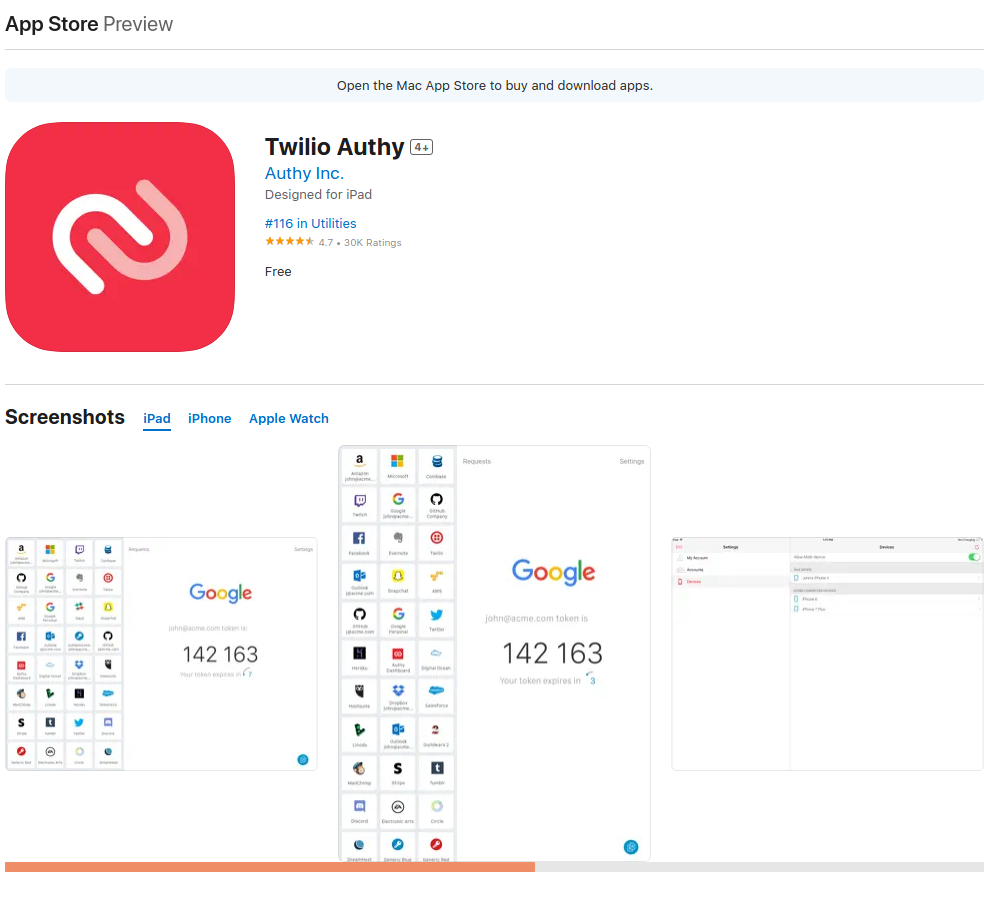
We use Authy verification system to provide access from other systems like IOS. You will need to have account registered with them, so you can continue in further steps.

Download Authy in (App Store, Google Play)

Create Account

Verify Account
IONLOOP.TRADE

Assigning to IONLOOP ID

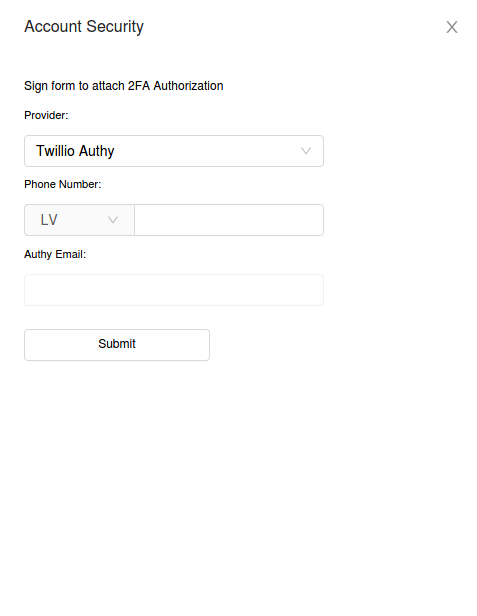
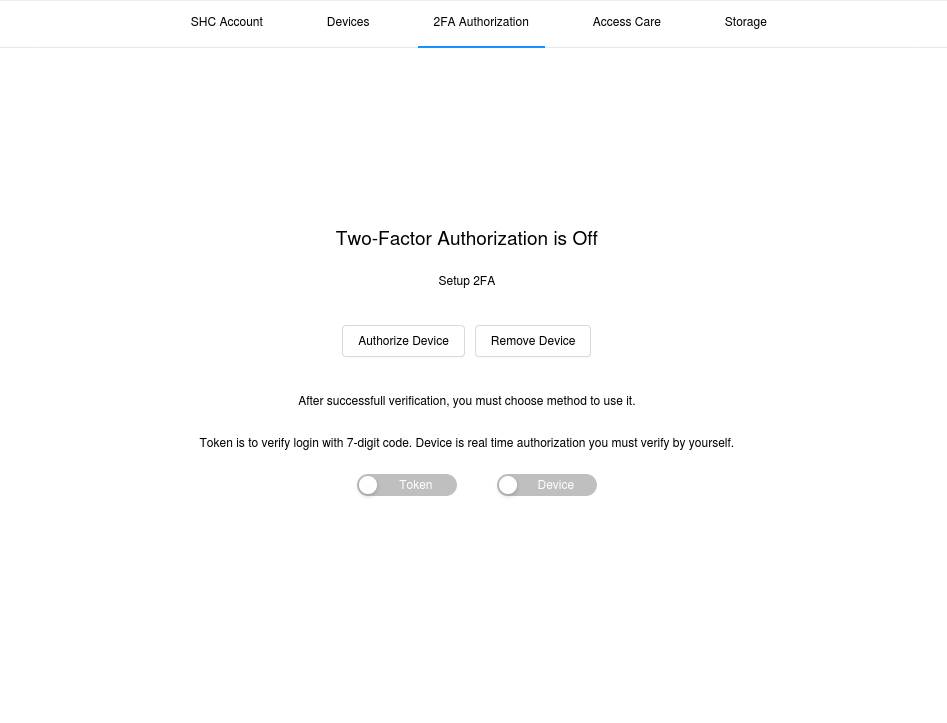
Once you created your Authy Account, come back to your user settings page and press "authorize device", you will have to provide your email and phone number you assigned to your Authy account.

1.0 - Visit user settings page
IONLOOP.TRADE

1.1 - Assign your ID to Authy app

IONLOOP.TRADE

1.3 - Choose verification method

You have two options as a standart on how you will verify your session. Once you log in you can provide a session code or directly confirm the modal in authy app.

IONLOOP.TRADE

You are ready to go

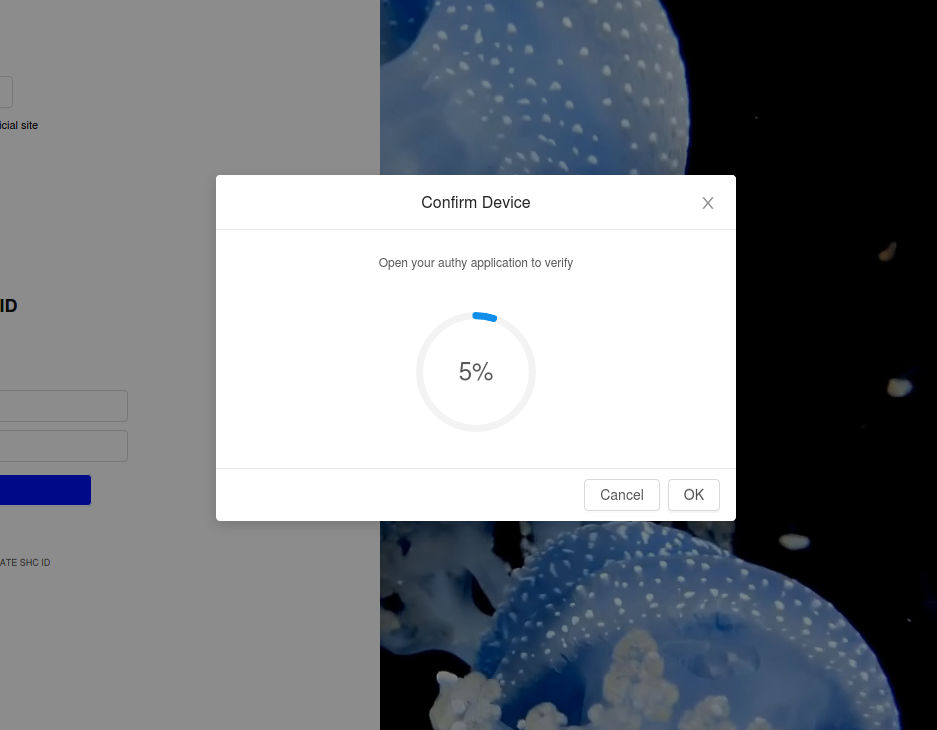
Once you will log in, you will be requested to verify your device
IONLOOP.TRADE